
Café Fonteyn delivers consistent service thanks to reliable systems
Café Fonteyn has been a warm and cozy café for almost 30 years, with friendly staff and a spacious terrace on De Nieuwmarkt in Amsterdam. “We have a large and busy café. That’s why we want to be sure of a well-functioning POS system. Efficiently creating work schedules, registering hours, and processing payroll is also very important to us.” Owner Rosa Lieve Burger talks about their choices in automation.
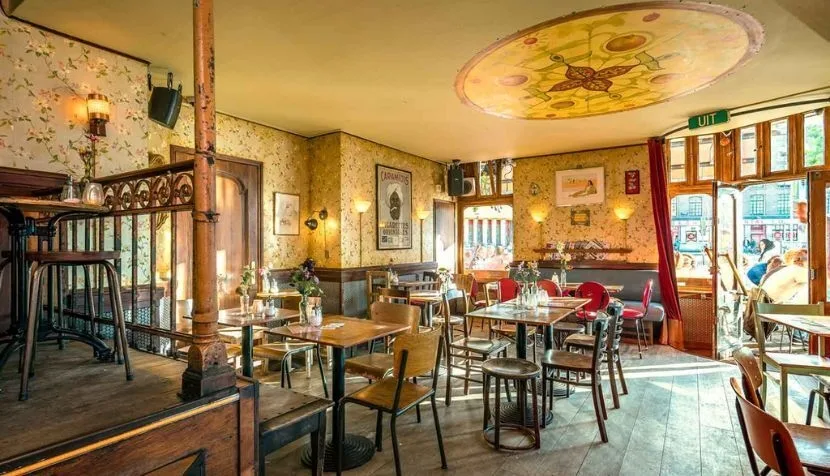
Rosa’s love for hospitality runs deep. At a very young age, her first job was at a hotel in Noordwijk. When she moved to Amsterdam, she began working at Café Fonteyn with great pleasure. She progressed to (assistant) manager and is now co-owner. “Café Fonteyn is a party. It’s constantly busy and cozy here. On the terrace we can accommodate almost 150 people, and inside we have 15 smaller tables, a long communal table, and the bar where people can sit. A well-functioning POS system is then an absolute must.”
POS system requirements: fast, clear, and “hassle-proof”
“When we needed a new POS system, we made a list of requirements and compared different providers. We were looking for a system that is fast, clear, user-friendly, and ‘hufterproof’, meaning it can take a beating. In addition, we wanted to be sure of good service, so that problems are resolved quickly if something goes wrong. DISH POS stood out by far in terms of functionality. And with supplier Eijsink, we already had good experiences with service. The choice was therefore easy.”

Just as easy as a smartphone
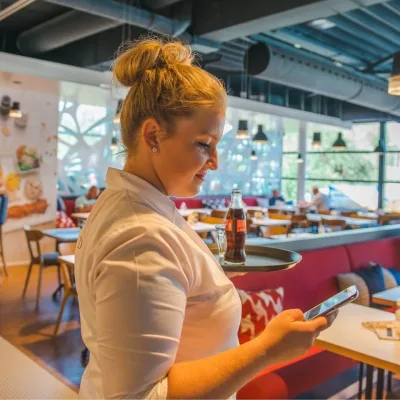
“The user-friendliness of DISH is fantastic. The previous handhelds worked with the T9 SMS system. For every product you had to come up with a new ‘logical’ code, which of course was never logical for everyone. The older generation grew up with that SMS function, but the new generation didn’t. That makes that way of working difficult to master. DISH POS works essentially like a smartphone in terms of swiping and tapping. Everyone has a smartphone nowadays, so it feels very familiar and intuitive. Whereas with the Vectron we used to take 1.5 hours to explain the system, now we say: ‘here’s the handheld, go ahead and start.’ It’s completely up to date.”
The visual back office is a world of difference
“The biggest difference for me as a manager is the DISH back office. Setting up the POS and making adjustments is much easier than with the previous system. The old system worked via all kinds of complicated scripts, so I always had to call the helpdesk to make a change. The DISH Backoffice is much more visual and logically structured. I can now manage it independently, and that saves me a lot of time.”

Scalable thanks to modular design
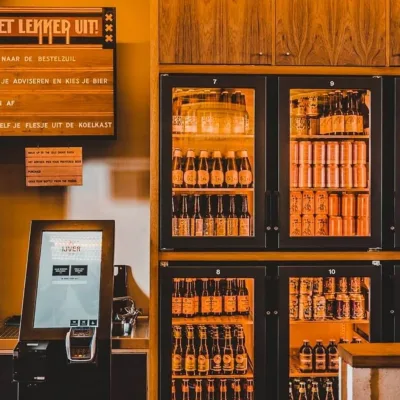
“I also really like that DISH has different modules (the so-called DISH Bricks). So I only pay for the parts I need, but if I want to expand in the future with, for example, QR ordering, it’s easy to integrate. DISH POS can also be connected to other solutions outside the DISH platform. For example, we use an integration with Van Duijnen’s tap automation. The bar staff then see pluses and minuses on the screen for every beer that is rung up and every beer that is poured. They make it a game to stay at zero.”
Quickly schedule staff and process payroll
“The ability to integrate systems and have one supplier, and therefore one point of contact, are reasons why we switched to the DISH Staff Planner. We had already moved from making schedules in Excel to a staff planning tool. That worked okay, but it took relatively long before we could process payroll for new employees. The DISH Staff Planner synchronizes multiple times per hour with our payroll package NMBRS. Whereas I previously had to register a new employee with the accountant and wait for everything to be processed, with the DISH Staff Planner I can simply create an employee record myself and schedule a new employee the same day if needed. It works much faster and more flexibly.”

Convenient standard schedules
“Also, the ability to work with standard schedules is great. We use a number of standard schedules depending on the expected busyness based on the day of the week and, for example, the weather conditions. On Friday afternoons and evenings, there is always an extra person behind the bar, and on weekends more people in the kitchen. We don’t have to think about the numbers then. We know exactly what staffing we need and when.”
Error-free time tracking and payroll processing
“Additionally, we use the time clock to track worked hours. Employees clock in and out using their personal cards that hang by the clock. When you clock in, you move your card to the ‘clocked in’ row. When your shift is over, you clock out, move your card back to the ‘clocked out’ row, and you can go have a drink if you want. This method is very clear. The team leader can see at a glance who forgot to clock in, and we can quickly correct that. After approval, the hours are automatically sent to NMBRS and the payment is processed. That works really well.”