
Curious about our software and its possibilities?
Our sales experts are ready to assist you. We will respond to your message within 2 business days.

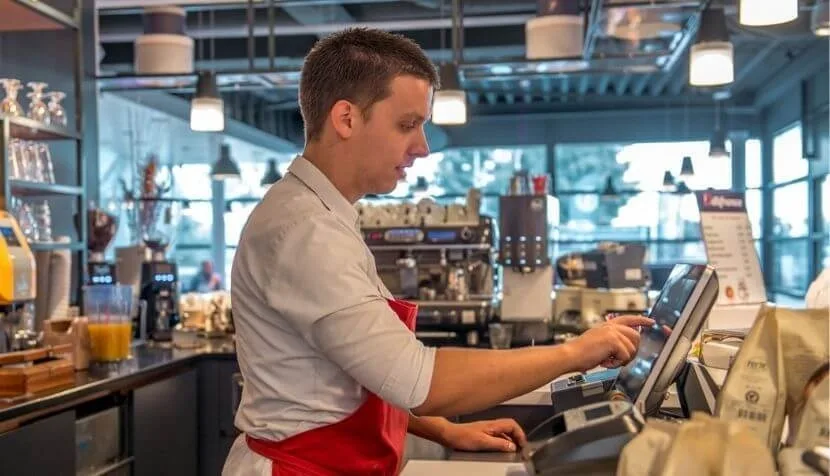
What is a POS actually? You store your product range on it and your guests can pay. It can indeed be that simple. But truly smart POS systems have important features that support your business operations in various ways. They make it possible to take orders faster, give you more insight into your margin makers, and, for example, make it easier to generate extra revenue through upselling. The right POS can not only save you a significant amount of time and money, but also earn you money. Below are 5 questions you can ask yourself to choose your ideal hospitality POS system!
Compare the options within the accompanying backoffice before you purchase a POS. Data is always processed and displayed, but how is that done? Are the figures converted into useful graphs, for example? Can you easily add products or change prices? Can you add automatic upselling pop-ups? Can you link promotions to it? Can you quickly look up bestsellers and margin makers? What types of reports can you request? So think carefully before buying your POS about what information you want to use to steer your business operations. Your POS’s ability to convert specific data into usable information can be a crucial advantage in your business operations.
Poor software costs you more time. Just think about it: a slow program on your laptop, an app that crashes on your phone, or a website that works but has extremely cumbersome menus. It costs you extra time and causes frustration.
The same goes for your POS. If it doesn’t match your needs, it will cost you unnecessary time (and therefore often money). With a daily special, you might spend 30 seconds instead of 3. Or splitting a bill becomes so much work that you don’t even want to do it. Or you can’t add promotions and automatic upselling in the menu on your smartphone or handhelds, causing you to miss out on extra revenue.
If you can’t quickly add a product in your back office, look up yesterday’s sales, or find a receipt, then it’s simply not the hospitality POS you’re looking for. If you choose a smart POS system that adapts to your business, all these actions can be done in seconds. And that pays off!
If you had to name which aspects of your business contribute to hospitality, your POS probably wouldn’t be in the top 3. Yet it can certainly make an important contribution. For example, do you have a busy terrace? Or is your menu suitable for self-service? Then choose a POS that supports your guests’ freedom and your hospitality.
And not only because of the speed it offers. QR ordering, as an extension of your POS, also provides extra service to your guests. That may sound contradictory – it seems less personal than “regular” ordering – but when it’s busy, guests never have to wait to place an order thanks to your QR codes. That is hospitality!
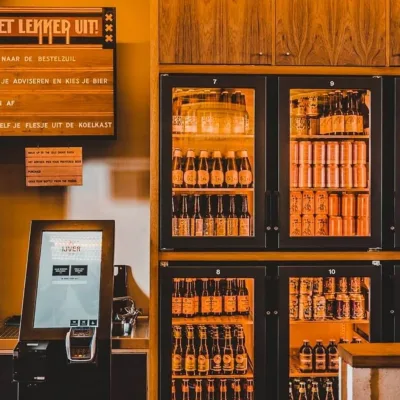
A self-order kiosk can also be beneficial in a fast-food restaurant. Are there often lines at the manned POS? A self-order kiosk takes the pressure off both the guest and the staff. In addition, guests tend to order more through a kiosk or QR ordering website, thanks to the smart upselling you can pre-program. Happy guests, happy you.
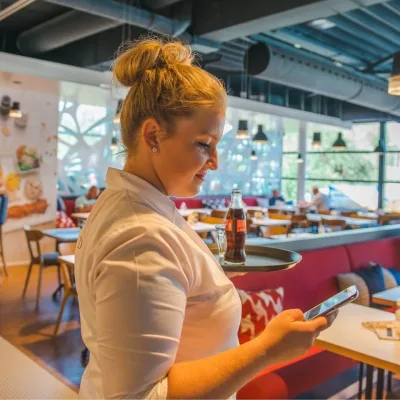
Who will be working with the POS later on? That can also be decisive when choosing between a tablet or smartphone, a simple layout, or a POS system with icons and images. If your POS doesn’t work comfortably, it will affect your staff. If the mobile ordering app stutters when you’re taking an order during a busy shift, it causes stress. If you need to add allergy information to the receipt but can’t find that function, it’s frustrating. In short: your team becomes additionally burdened during peak hours.
A good POS system is easy to use and has a short learning curve. That means new employees can use it right away and don’t get thrown off when a guest wants the sea bass without sauce. Or when a table moves from the terrace to inside. Your software should simply work intuitively, keep running if your internet goes down, and feel like support for your team. That way, your staff have more calm, clarity, and time for hospitality.
Do you want to open multiple locations, for example? Do you want to be able to expand your base system later with touchscreens for digital order processing in the kitchen or with QR ordering? Do you also have a B&B alongside your restaurant? Then look for the system that best matches your needs now and in the future, without requiring complicated integrations, apps, or other potentially costly programs. That way, you make things easier for yourself!