

We continuously develop our DISH solutions. Recently, the Bar/Kitchen Manager received a great update, making the bar and kitchen software run work processes even more smoothly. In this blog, we have listed the latest features for you.
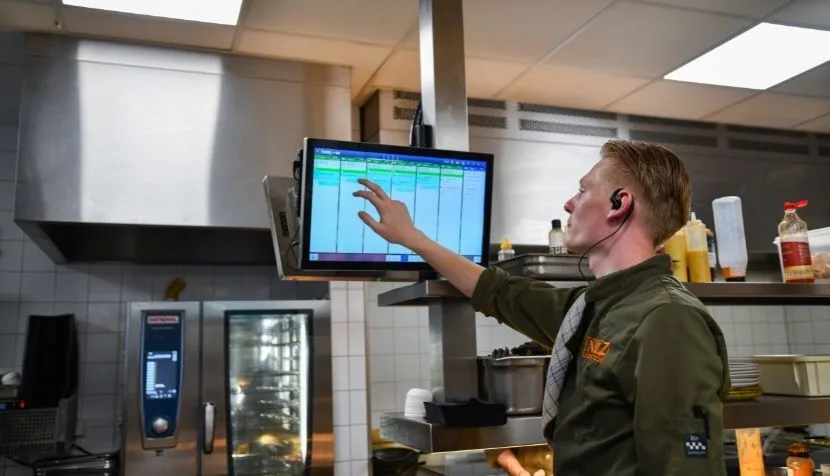
It is now possible to partially start and complete dishes that are ordered multiple times per table. How does this work? Imagine that carpaccio is ordered and prepared eight times. Three of the carpaccios are then served right away. The service staff can press and hold the item on the service screen, which brings up the factor screen. Here it is possible to enter the number of carpaccios that are being served immediately.
From now on, you can request the next course not only from the DISH POS app, but also from the kitchen screens. Suppose the guests at table 5 are ready for the next course and, as a hostess, you are at the service screen to serve table 8. In that case, you can send the orders for table 5 directly. You can also use this functionality to urgently request VIP dishes such as extra fries and sauce, or to pause the next course if the guests go outside to smoke.
By long-pressing the top of the ticket, you can bring forward functions that you use less often. Where you previously saw all possible functions, you can now choose which functions you want to be visible and which you do not.
For the shortcut keys that you see above the tickets, it was already possible to configure them yourself. New is that you now have the option to set the order from left to right according to your preference. For example, the ON HOLD function is placed in the fourth position from the left by default. You can choose to move the ON HOLD function all the way to the left, so you benefit from optimal user convenience.
It can be useful to know that your fellow chef is working on a “pasta funghi with penne” and a “pasta carbonara with fusilli.” But knowing in detail which dishes are being prepared by other stations is not always desirable. For this reason, it is now possible to group the dishes from other stations. There are three options for organizing your tickets: